Windows Installation
Download the Eclipse Cyclone DDS Insight Windows artifact and extract the zip file
Start Exe Installer File

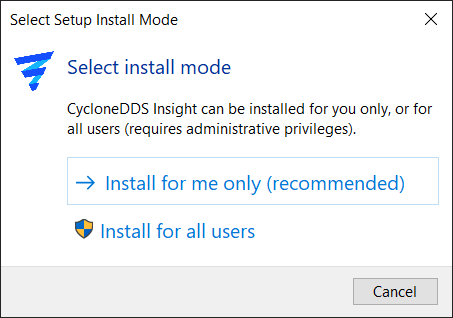
Install as User or Admin
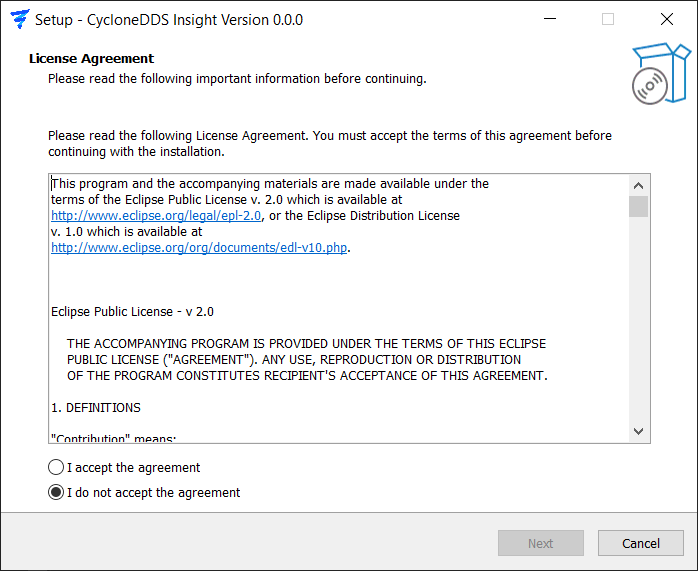
Agree License
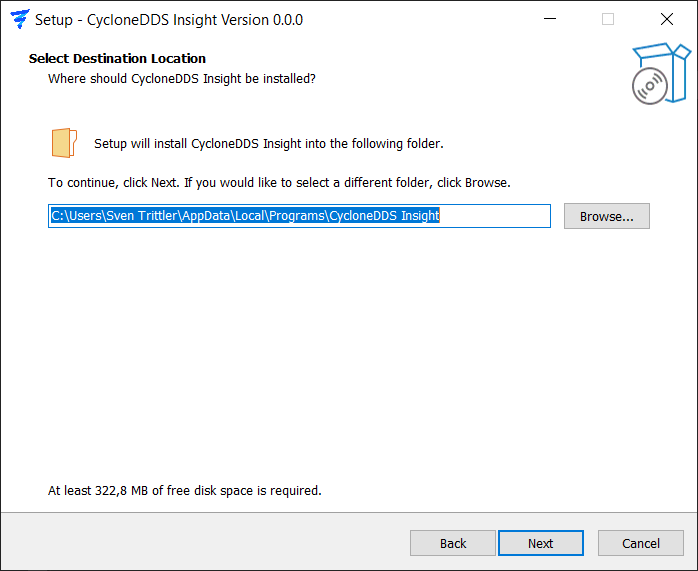
Select Installation Folder
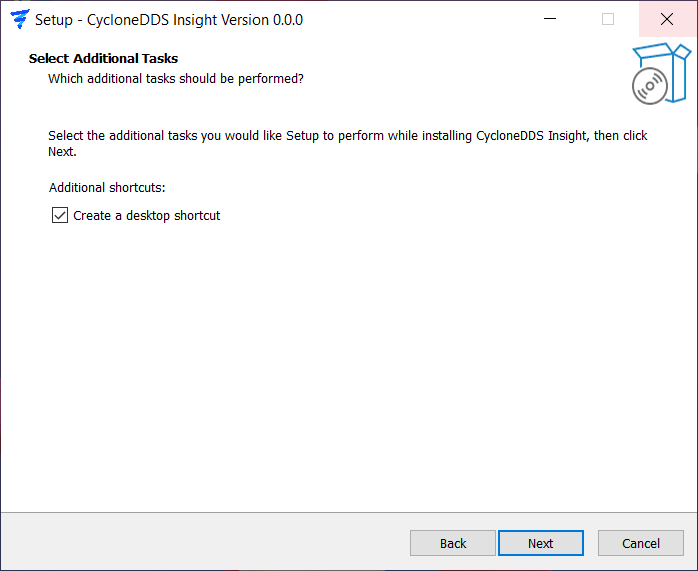
Ask Desktop shortcut creation
Confirm location and shortcut
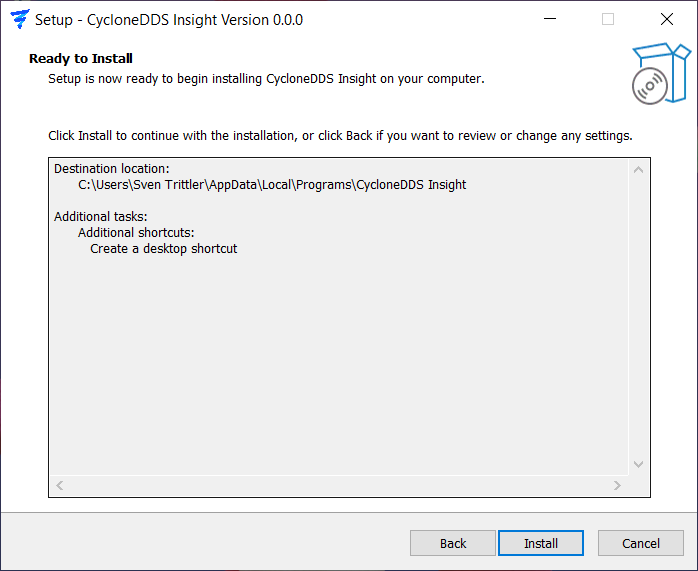
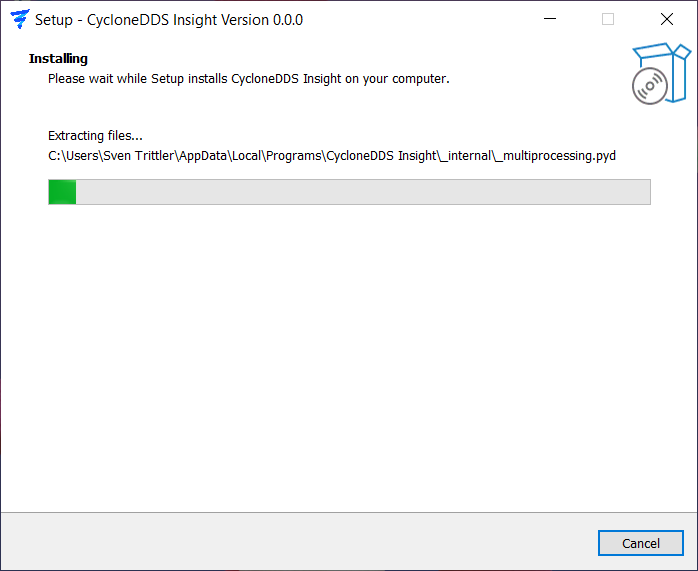
Installing …
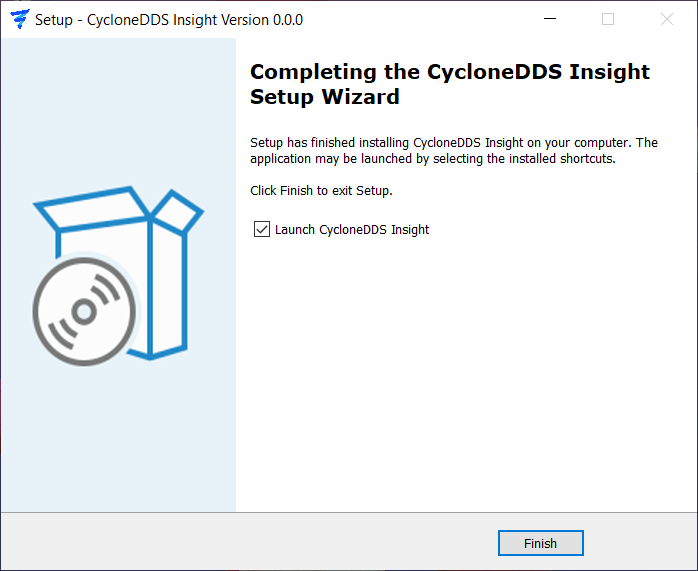
Installation Complete - Launch App directly?
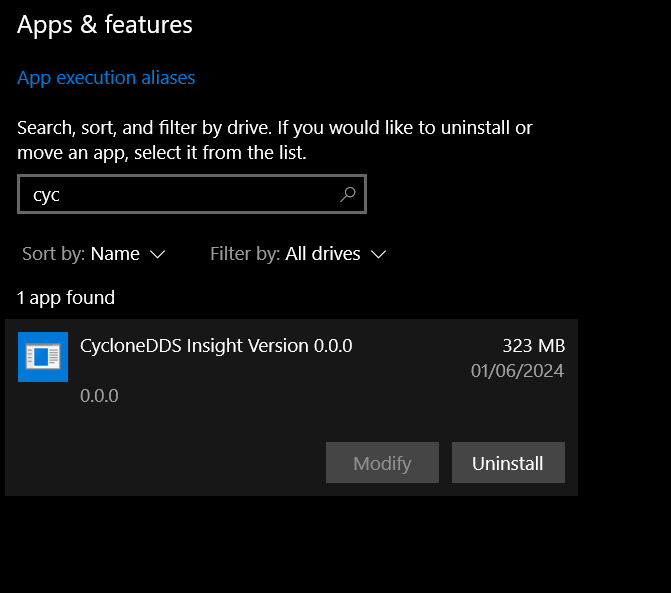
App is installed in Windows
After installation, you can launch Eclipse Cyclone DDS Insight from the Start Menu or desktop shortcut