Listener
The listener feature in Eclipse Cyclone DDS Insight allows you to monitor and log specific events occurring within the DDS system.
General
In the main view select the “Listener” tab
From the data model list on the left select the desired topic and create a reader
Monitor incoming data and events in real-time
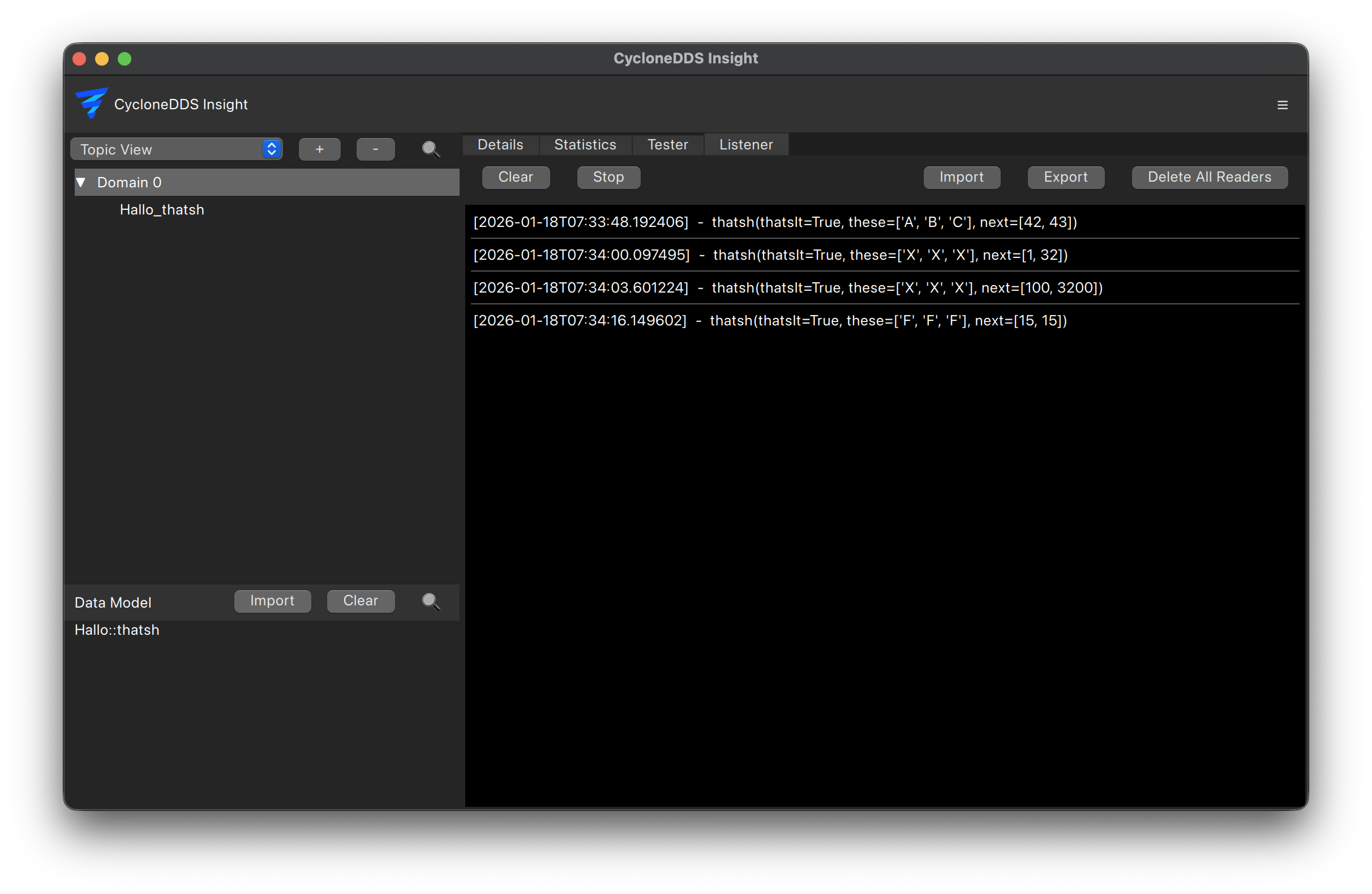
Sample views
Use the view selector next to “Clear” to switch between “Message log” (every received sample) and “Latest per instance” (one row per DDS instance per reader). In the instance view, samples with the same DDS key update the existing row, including its timestamp and sample information. Topics without keys have one instance per reader. Instance state notifications also update that row.
You can switch views at any time. The full message log continues to be retained and is used for sample export; the instance view reduces displayed rows, not log memory usage. “Clear” clears both views.
Searching messages
Enter text in the search field next to the view selector and press Enter to filter message contents. Matching is case-insensitive and works in both views, together with the reader selection. Incoming samples and instance updates are checked against the applied search. Empty the field and press Enter to remove the filter. Searching does not change the stored log or sample export.
Presets
To quickly set up listeners for common scenarios, presets can be used to create multiple readers with predefined configurations. Use the “Import” and “Export” buttons to share presets between different Eclipse Cyclone DDS Insight.