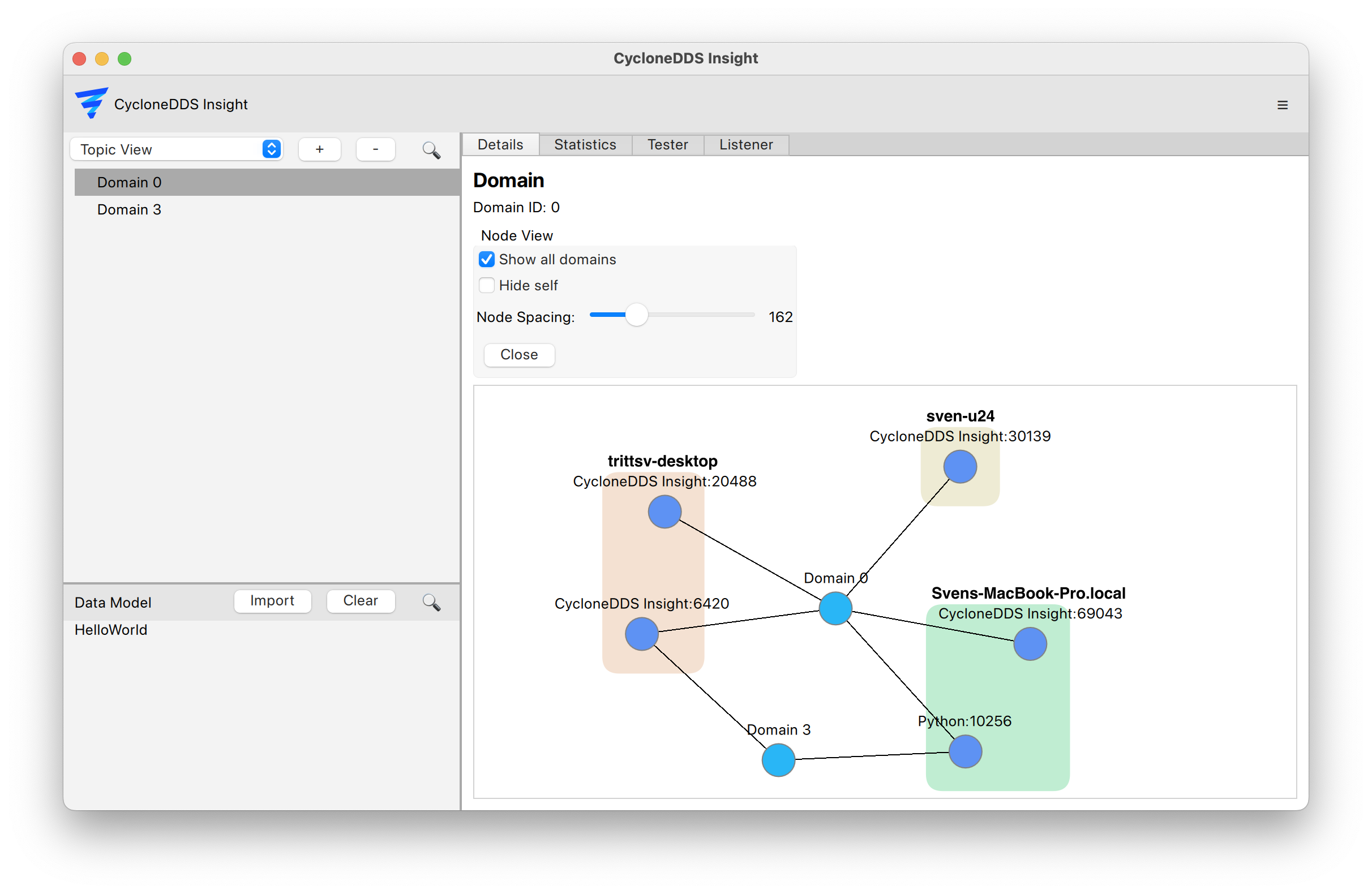
Node View
To get an overview of the current DDS system, the Node View is the main interface it provides a high level overview of involved hosts, domains and applications.
Navigate to topic view on the left sidebar
Click on the desired domain
Click the “Details” tab in the main window
- In the “Node View” section, click “Show”
Optionally enable “Show all domains” to visualize all domains at once
Optionally enable “Hide self” to hide the Eclipse Cyclone DDS Insight application node
Optionally enable “Show Speeds” to visualize data flow speeds between nodes