Tester
The tester can be used to simulate DDS data flow in the system.
General
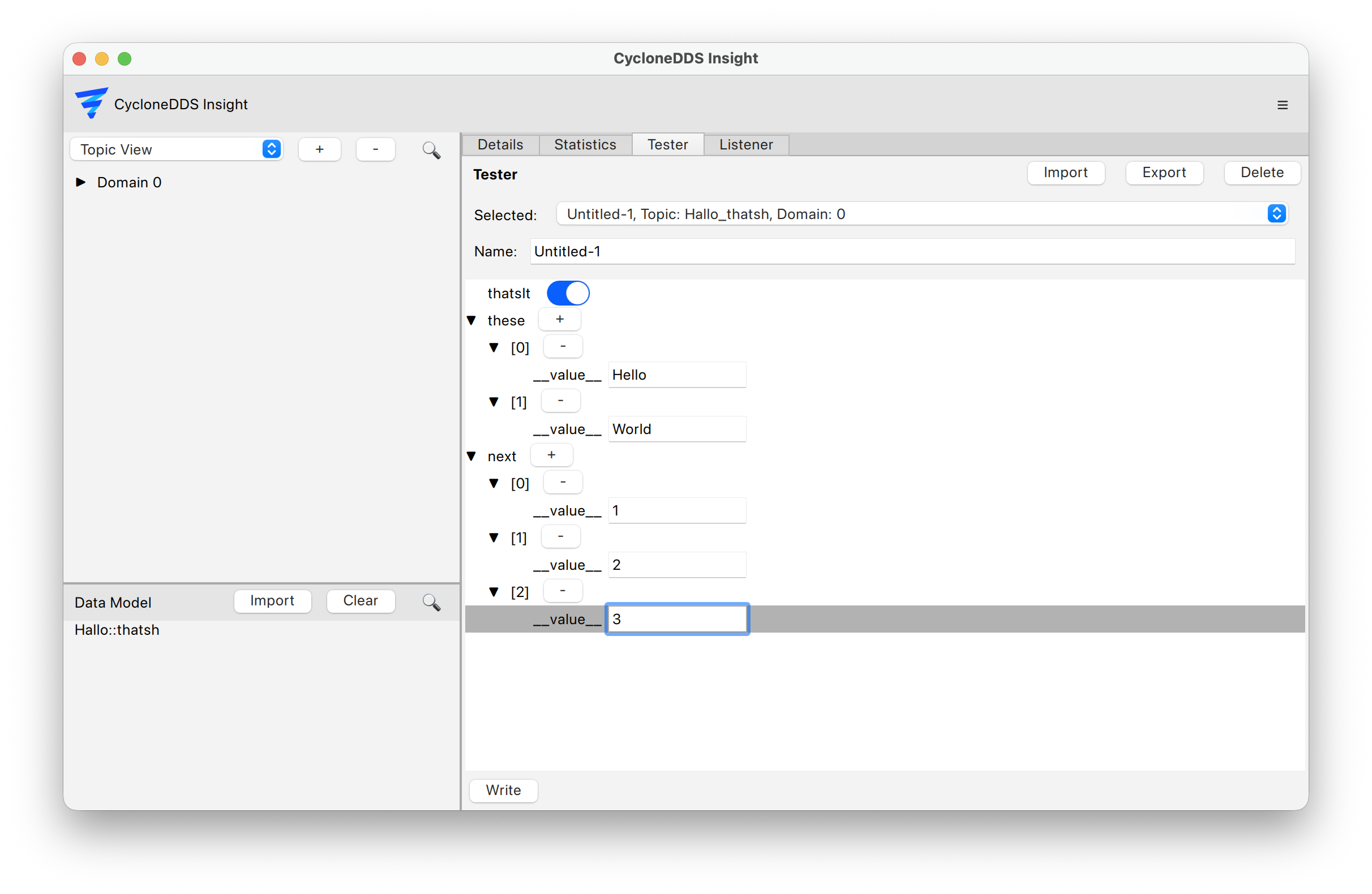
In the main view select the “Tester” tab
From the data model list on the left select the desired topic and create a writer
Enter the data to be sent and press “write”
Presets
To quickly test data flow, presets can be used to create multiple writers with predefined data. Use the “Import” and “Export” buttons to share presets between different Eclipse Cyclone DDS Insight instances.